Arshat Ali

Odoo developer · Tamil Nadu, India

I build the Odoo add-ons teams wish already existed.

Upgrades, access control, backups, API access and AI for Odoo. Sixteen of them are published on the Odoo Apps Store under the name ModuleDex, for Odoo 17 to 20.

Open to Odoo roles, including relocating abroad.

16add-ons live on the Odoo Apps Store
17 – 20Odoo versions the add-ons are built for
355automated tests passing across ten of them, on a fresh Odoo 17 database
2024working with Odoo since March

Add-ons on the Odoo Apps Store

Each one solves a problem I kept running into on real Odoo projects. The screenshots are the store banners; follow a link to read the full listing.

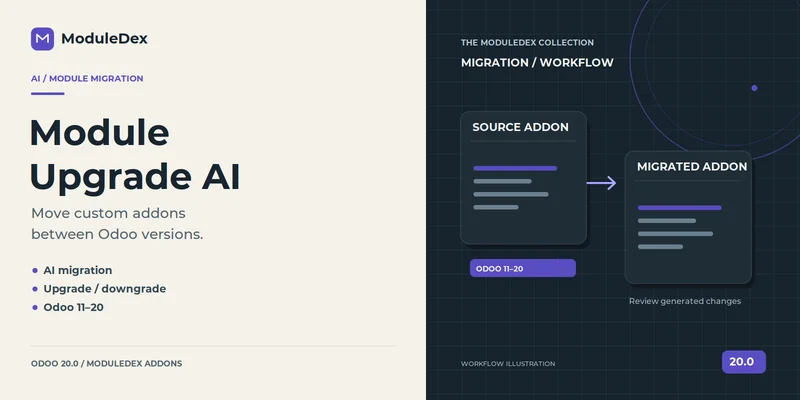
Odoo Module Migration AI banner
Upgrades

Odoo Module Migration AI

Moves a custom add-on between Odoo versions 11 to 20. It scans the module, writes a report of what will break, then uses AI to migrate it file by file through its own job queue.

View on the Apps Store →
Odoo Upgrade Scanner banner
Upgrades · free

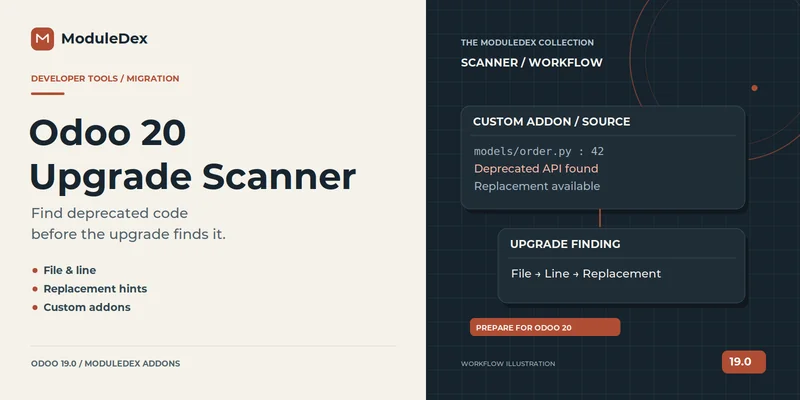
Odoo Upgrade Scanner

Finds code that Odoo has deprecated or removed. Each rule records which release marked it and which release removed it, so you can see what is already gone and what goes next.

View on the Apps Store →
Odoo MCP Server banner
AI

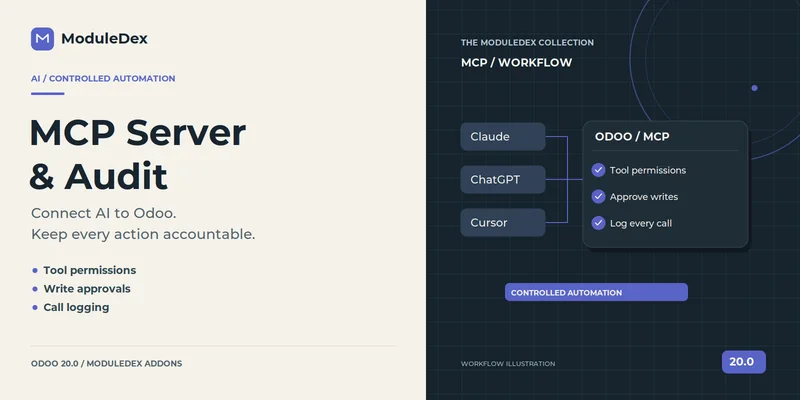
Odoo MCP Server

Lets AI assistants such as Claude and ChatGPT work with Odoo over the Model Context Protocol, with per-tool permissions, approvals and a log of every call.

View on the Apps Store →
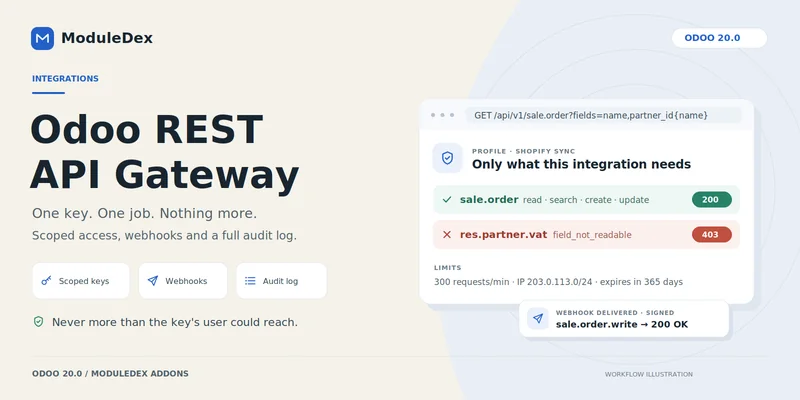
Odoo REST API banner
Integrations

Odoo REST API

One key per integration, each reaching only the models and fields it needs. Adds signed webhooks and an audit log of every request.

View on the Apps Store →
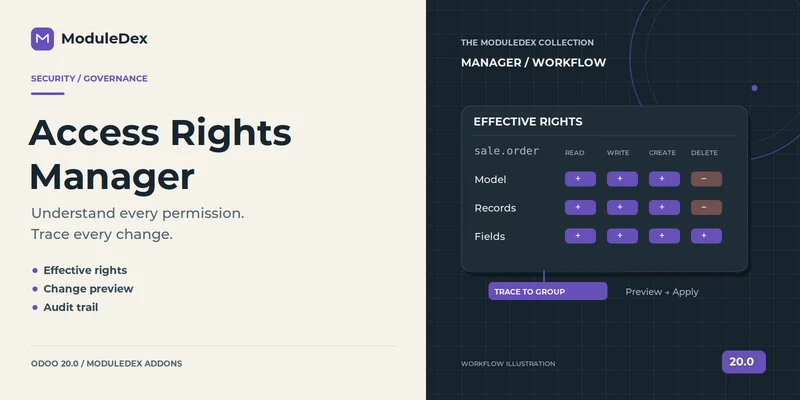
Odoo Access Rights Manager banner
Security

Odoo Access Rights Manager

Shows what each user can really do, with a “why?” on every row, side-by-side comparison of two users and a log of access changes.

View on the Apps Store →
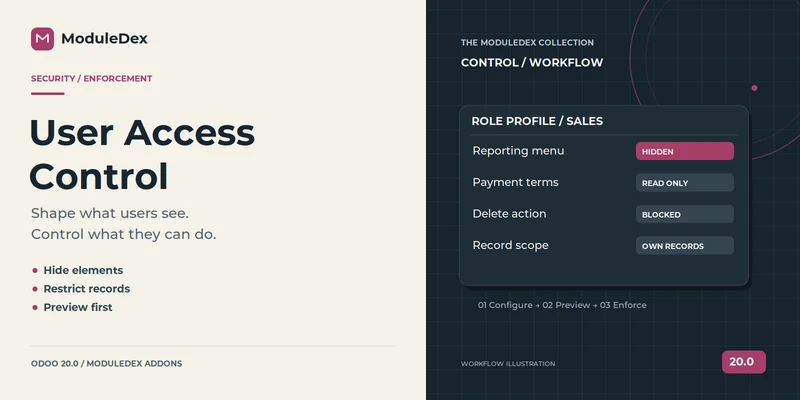
Odoo User Access Control banner
Security

Odoo User Access Control

Profiles that hide fields, buttons, tabs and menus or block whole models for chosen users. You can preview a profile before turning it on, and blocked attempts are logged.

View on the Apps Store →
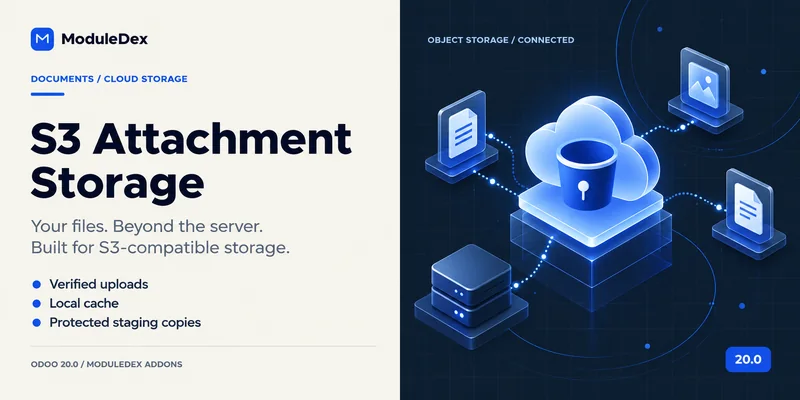
S3 Attachment Storage banner
Infrastructure

S3 Attachment Storage

Moves the Odoo filestore into an S3-compatible bucket such as Amazon S3, MinIO or Ceph. If the bucket is unreachable, work carries on and files upload later. Backups still include the bucket files.

View on the Apps Store →
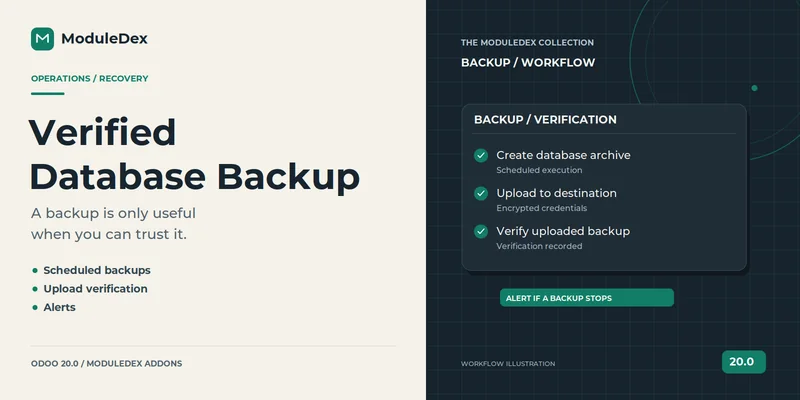
Odoo database backup banner
Infrastructure

Odoo Database Backup

Scheduled backups in Odoo’s own restore format: database dump, manifest and filestore. Destination passwords are stored encrypted.

View on the Apps Store →
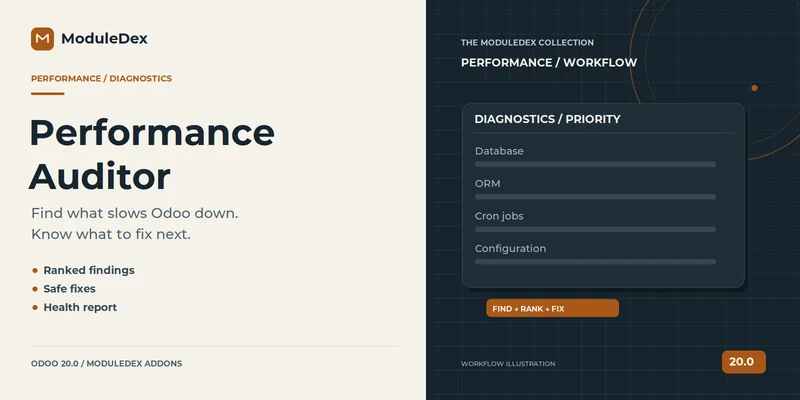
Odoo Performance Auditor banner
Infrastructure

Odoo Performance Auditor

A read-only audit of the database, the ORM and scheduled jobs. More than 40 checks, each with a plain recommendation, and a dashboard to track findings over time.

View on the Apps Store →
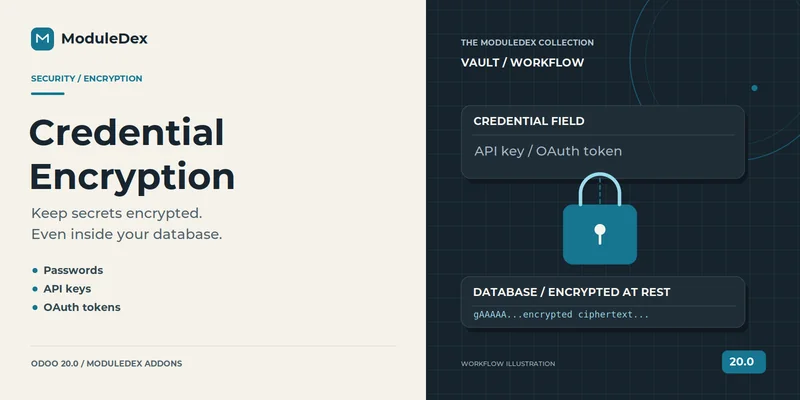
Odoo Credential Encryption banner
Security · free

Odoo Credential Encryption

Encrypts stored secrets such as mail passwords and API keys in the database, and upgrades existing plaintext values safely.

View on the Apps Store →

Also published: a SQL query builder, an XML ID finder, an access rights simulator and a few more. See the full list on the Odoo Apps Store →

How I build

Things I do on every add-on, and can point to in the code.

Tested, then ported

  • Most add-ons ship with their own test suite.
  • I ported ten of them to Odoo 17 and ran all 355 tests together on a fresh database, then checked real backups by hand.
  • Every difference between Odoo versions is checked against that version’s source, not assumed.

Safe with data

  • Secrets are encrypted at rest, with a safe path from existing plaintext.
  • API keys are scoped to the models and fields an integration needs.
  • Risky actions, such as switching on an access profile or taking over a storage prefix, show a preview or ask first.

Built to survive real use

  • The migration add-on has its own job queue: row-level locking, retries with backoff and recovery of stalled jobs.
  • The object-storage add-on keeps working when the bucket is unreachable and retries later.
  • Webhooks are signed and retried until the receiver confirms.

Experience

Working with Odoo since March 2024.

  1. Dec 2025 – present

    Engineer, Tefugen Technologies · Tiruchirappalli

    Customising an Odoo 19 backend for a Shopify-connected retailer: purchase reports, GST invoicing, financial-year numbering, menu access and notifications.

  2. Jan 2025 – Nov 2025

    Technical Consultant Trainee, Otibro Techni · Coimbatore

    Worked on Odoo 16 to 18 migrations and built QWeb document templates.

  3. Mar 2024 – Dec 2024

    Odoo Developer Intern, Otibro Techni · Chennai

    Customised sales, inventory and finance modules and wrote QWeb reports.

Work with me

I take on custom Odoo add-ons, moving your own modules to a newer Odoo version, API and webhook integrations, and access-control reviews. I am also looking for a full-time Odoo role, including abroad.